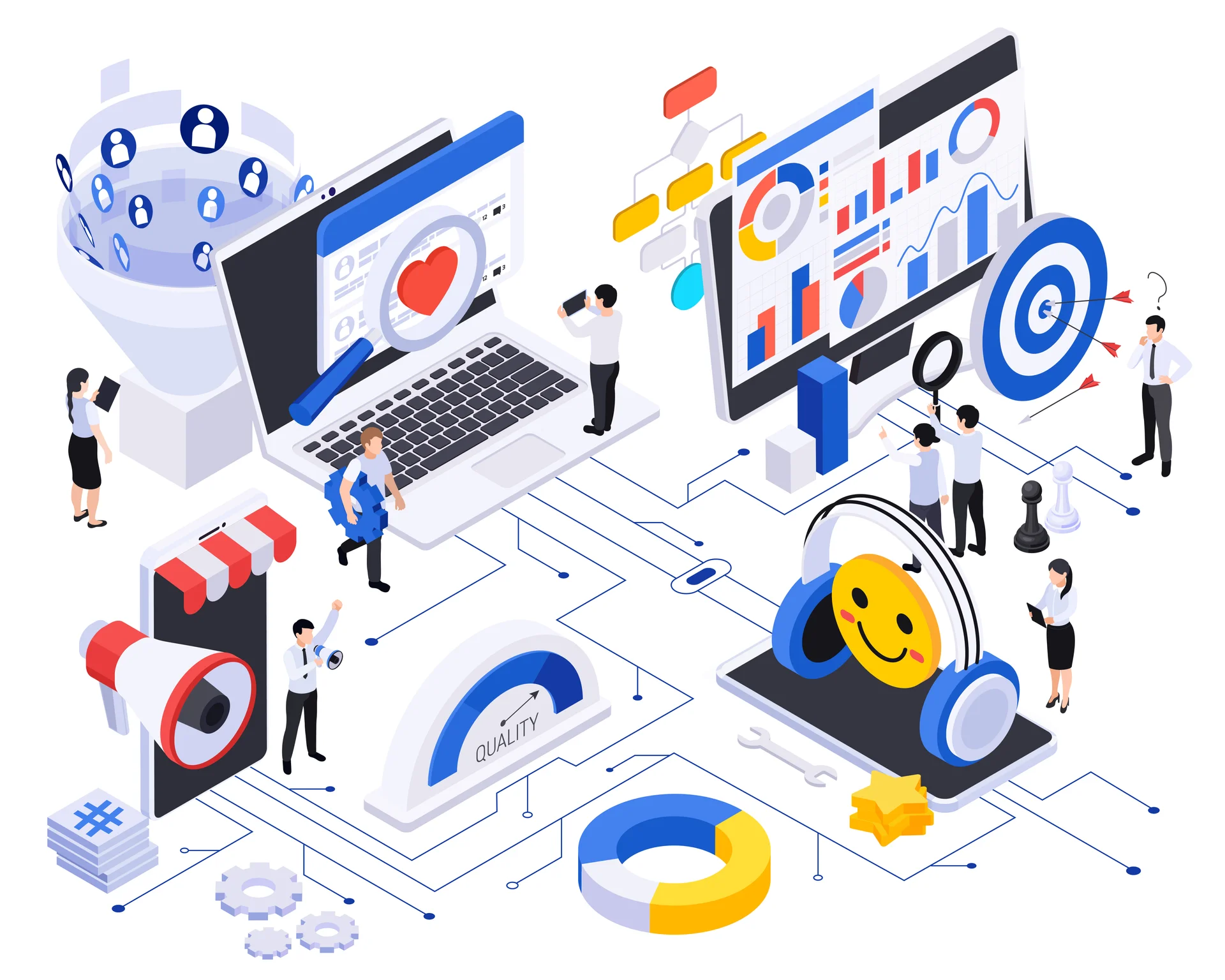
What is Marketing Automation?
Marketing automation uses software to automate repetitive marketing tasks, nurture leads, and deliver personalized experiences at scale. Instead of manually sending emails or posting on social media, automation allows you to set up workflows that run automatically based on triggers and user behavior.
Benefits of Marketing Automation
- Save Time: Automate repetitive tasks and focus on strategy
- Increase Efficiency: Reach more people with less effort
- Improve Lead Nurturing: Send timely, relevant messages to prospects
- Enhance Personalization: Deliver tailored content based on behavior
- Better ROI: Companies using automation see 451% increase in qualified leads
- Data and Insights: Track and analyze campaign performance
Key Marketing Automation Use Cases
Email Marketing Automation
Create sophisticated email workflows:
Welcome Series
Automatically send a series of emails when someone subscribes:
- Email 1: Welcome and introduce your brand
- Email 2: Share your best content or resources
- Email 3: Highlight products or services
- Email 4: Include customer testimonials
- Email 5: Special offer or call-to-action
Lead Nurturing
Guide prospects through the buyer journey:
- Send educational content based on interests
- Share case studies and success stories
- Provide product comparisons and demos
- Offer personalized consultations
Behavioral Triggers
- Abandoned cart reminders
- Browse abandonment follow-ups
- Post-purchase sequences
- Re-engagement campaigns for inactive users
Lead Scoring
Automatically score leads based on:
- Demographic information (job title, company size)
- Engagement level (email opens, website visits)
- Behavior (downloaded resources, attended webinar)
- Purchase intent signals
When leads reach a certain score, trigger actions like notifying sales or sending special offers.
Social Media Automation
Schedule and publish content across platforms:
- Plan content calendar in advance
- Post at optimal times automatically
- Repurpose content across channels
- Monitor and respond to mentions
Customer Segmentation
Automatically segment customers based on:
- Purchase history
- Engagement level
- Demographics
- Interests and preferences
- Lifecycle stage
Personalized Content Delivery
Show different content to different visitors:
- Dynamic website content
- Personalized email content blocks
- Product recommendations
- Geo-targeted messaging
Popular Marketing Automation Platforms
All-in-One Platforms
- HubSpot: Comprehensive marketing, sales, and service automation
- Marketo: Enterprise-level automation and lead management
- Pardot: B2B automation integrated with Salesforce
- ActiveCampaign: Email automation with CRM features
Email-Focused Platforms
- Mailchimp: User-friendly with automation features
- ConvertKit: Built for creators and bloggers
- Drip: E-commerce focused automation
- Klaviyo: Advanced e-commerce marketing automation
Social Media Automation
- Hootsuite: Schedule posts across multiple platforms
- Buffer: Simple social media scheduling
- Sprout Social: Social media management with analytics
Building Effective Automation Workflows
1. Define Your Goals
What do you want to achieve?
- Increase email subscribers
- Nurture leads to sales-ready
- Recover abandoned carts
- Increase customer lifetime value
2. Map Customer Journey
Understand the paths customers take:
- Awareness stage: Educational content
- Consideration stage: Product information and comparisons
- Decision stage: Testimonials and special offers
- Post-purchase: Onboarding and upsells
3. Set Up Triggers
Determine what starts the automation:
- Form submission
- Email click
- Website behavior
- Purchase completion
- Specific date or time
4. Create Relevant Content
Develop content for each stage:
- Email templates
- Landing pages
- Lead magnets
- Educational resources
5. Test and Optimize
- Start with simple workflows
- Monitor performance metrics
- A/B test subject lines, content, timing
- Refine based on results
- Gradually increase complexity
Marketing Automation Best Practices
Start Simple
Begin with basic workflows and add complexity as you learn. Common mistakes include over-complicating automation from the start.
Maintain Human Touch
Automation should feel personal, not robotic:
- Use conversational language
- Personalize with names and relevant details
- Allow easy opt-outs
- Provide ways to contact real people
Clean Your Data
- Remove inactive subscribers regularly
- Update contact information
- Remove duplicates
- Segment accurately
Respect Privacy
- Comply with GDPR and other regulations
- Be transparent about data usage
- Provide clear unsubscribe options
- Honor preference centers
Monitor and Adjust
Regularly review automation performance:
- Open and click rates
- Conversion rates
- Unsubscribe rates
- Revenue generated
Common Automation Mistakes to Avoid
- Over-automating and losing personal touch
- Sending too many emails (email fatigue)
- Not segmenting your audience
- Ignoring mobile optimization
- Setting and forgetting (not monitoring performance)
- Poor data quality
- Automating before having good content
Measuring Automation Success
Track these KPIs:
- Email Performance: Open rate, click rate, conversion rate
- Lead Quality: Lead score, sales-qualified leads
- Revenue Impact: Sales attributed to automation
- Time Saved: Hours saved through automation
- Customer Engagement: Interaction with automated content
Conclusion
Marketing automation is not about replacing human interaction—it is about enhancing your ability to deliver personalized, timely, and relevant experiences at scale. Start with clear goals, create valuable content, and continuously optimize your workflows. The right automation strategy can transform your marketing efficiency and results.